Chatbot CRM Integration in India: Making Bots Useful to Sales
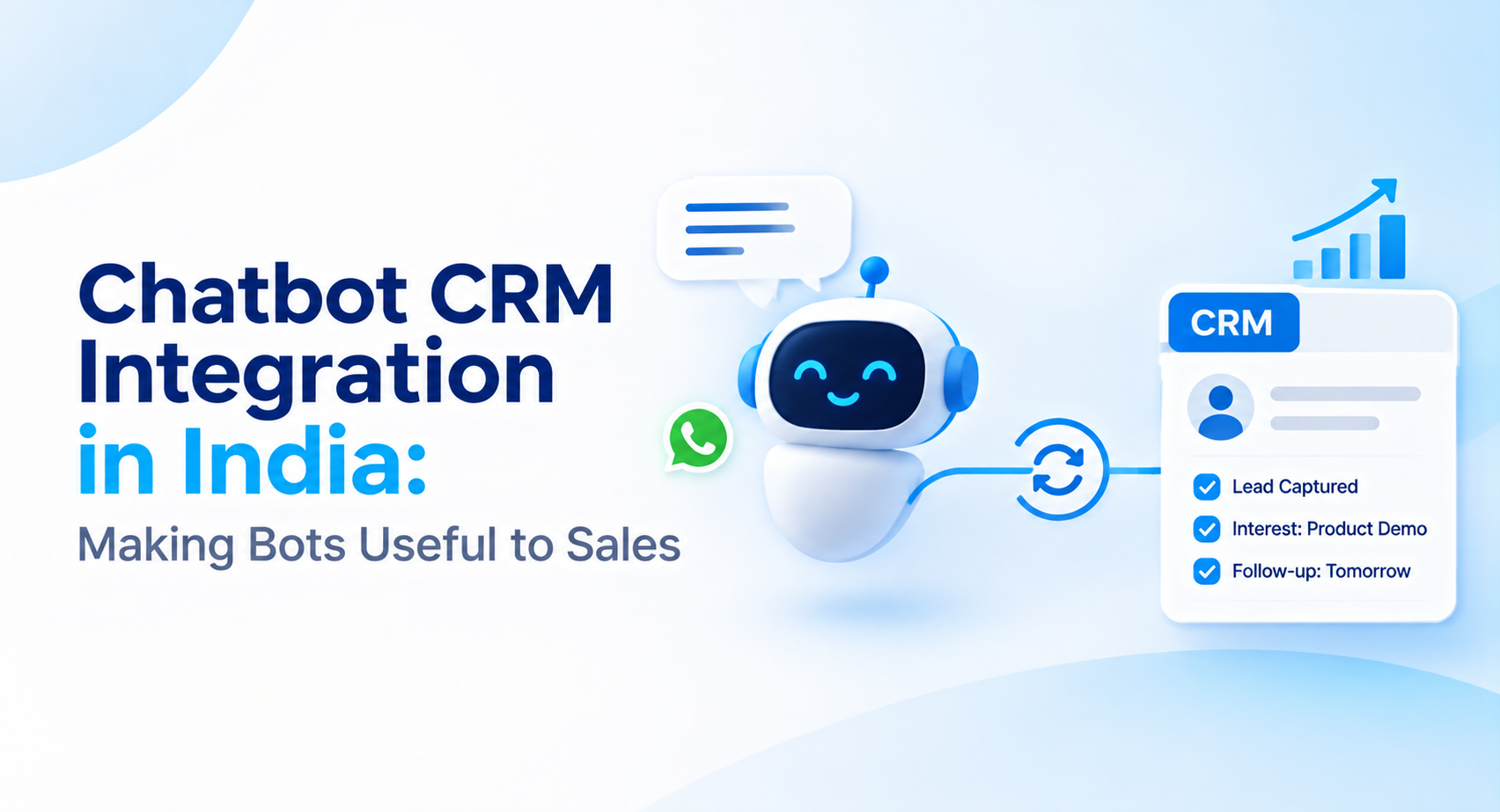
Chatbots can do more than answer questions. With CRM integration, businesses can capture lead details, prevent duplicate records, assign follow-ups, and give sales teams the conversation context they need to move leads forward.
 By Anjali Daksh·Published: October 23, 2026 at 11:37 PM IST
A chatbot can answer customers' questions, but what to do next? It is necessary to store all the information in your sales system so your team doesn't have to enter each piece manually and won't lose any leads. Chatbot CRM integration in India helps with storing customers' details, understanding their needs and ensuring sale teams' follow-ups.
What the India data says
MyOperator, a business communications company, published an analysis in August 2026 about live WhatsApp AI agents used by its customers. The analysis covered 91 businesses, 262 agents and 307,925 customer messages over twelve months, with data up to June 2026. It found that the top ten agents account for 85 percent of the message volume and the average conversation ran to 377 messages per user account.
However, there are some points to remember. The study was focused on MyOperator's own customers and the top well-performing small and medium business deployments. This does not show how all Indian businesses use chatbots. As well, this does not show how many conversations work for sales leads or how many of the leads go to the CRM.
Chatbot CRM integration: what needs to move
This section is our view. Good Chatbot CRM integration is more than sending a name and phone number across. Five things decide whether your sales team uses it.
- Capture. The chatbot should be able to keep a record of the contact details, all the questions, and the fields of product interest instead of one block of text.
- Matching. The chatbot should check whether the person is already in the CRM before it creates a record, or you will build duplicates.
- Ownership. Every lead needs an owner and a follow-up time set by rules you agree in advance.
- Context at handoff. When a person takes over, they should see the conversation so the customer does not repeat themselves.
- Feedback. Outcomes should flow back so you can see which chatbot conversations end in a sale.
What to ask before you buy Chatbot CRM integration
- Which CRMs does it connect to, and is it a connection or a manual export?
- Which fields does it have? Can we map them to ours?
- How does it deal with duplicates?
- Can it hand a chat to a person, with the history attached?
- What happens when the CRM is down? Are messages held and sent later?
- Who fixes it when we change a field?
How We Approach Chatbot CRM Integration
Chatbot development is part of our App Development service. We build chatbots with natural language processing and connect them to the CRM. First, we understand the sales process, which includes what makes following up on a lead worth it. All the details need to be saved, and who should be responsible for every conversation. After this, we build a chatbot according to your team's needs. We work in two-week development cycles for building and improving the solution. For chatbot CRM integration in India, we help businesses save their customers' details, manage leads, and make follow-ups smooth.
If your team wants to connect its chatbot with a CRM, we’d be happy to discuss your needs.
Frequently asked questions
What is chatbot CRM integration?+
Chatbot CRM integration connects a chatbot to a customer relationship management system so that customer details, questions, product interests, and conversation history can be recorded in the CRM. This helps sales teams manage leads without manually entering every detail.
How does chatbot CRM integration help sales teams?+
It can reduce manual data entry, organise incoming leads, assign follow-up responsibilities, and give sales representatives access to previous conversations. Tracking lead outcomes can also help businesses understand which interactions contribute to sales.
What information should a chatbot send to a CRM?+
Depending on the business and customer permissions, it can send contact details, product interests, conversation summaries, lead status, assigned owner, and follow-up tasks. The fields should match the sales team's CRM structure.
How can chatbot CRM integration prevent duplicate leads?+
The integration can check existing CRM records using identifiers such as email addresses or phone numbers before creating a new contact. Matching rules should account for incomplete or inconsistent details to avoid both duplicate records and incorrect matches.
Can a chatbot assign leads automatically to sales representatives?+
Yes, if the integration supports assignment rules. Leads can be routed according to criteria such as product interest, region, team responsibility, or availability. The business should define what happens when no representative is available.
Turn Customer Conversations into Actionable Sales Leads
Connect your chatbot with your CRM to organise customer details, assign lead ownership, and make sales follow-ups easier. Talk to EICE about building an integration that fits your team's workflow.