White Label File Sharing in India: When a Branded Portal Works Best
Businesses that regularly share contracts, reports and other documents with clients may benefit from a branded file-sharing portal. Learn when white label file sharing makes sense and what to evaluate across branding, access permissions, encryption and data management.
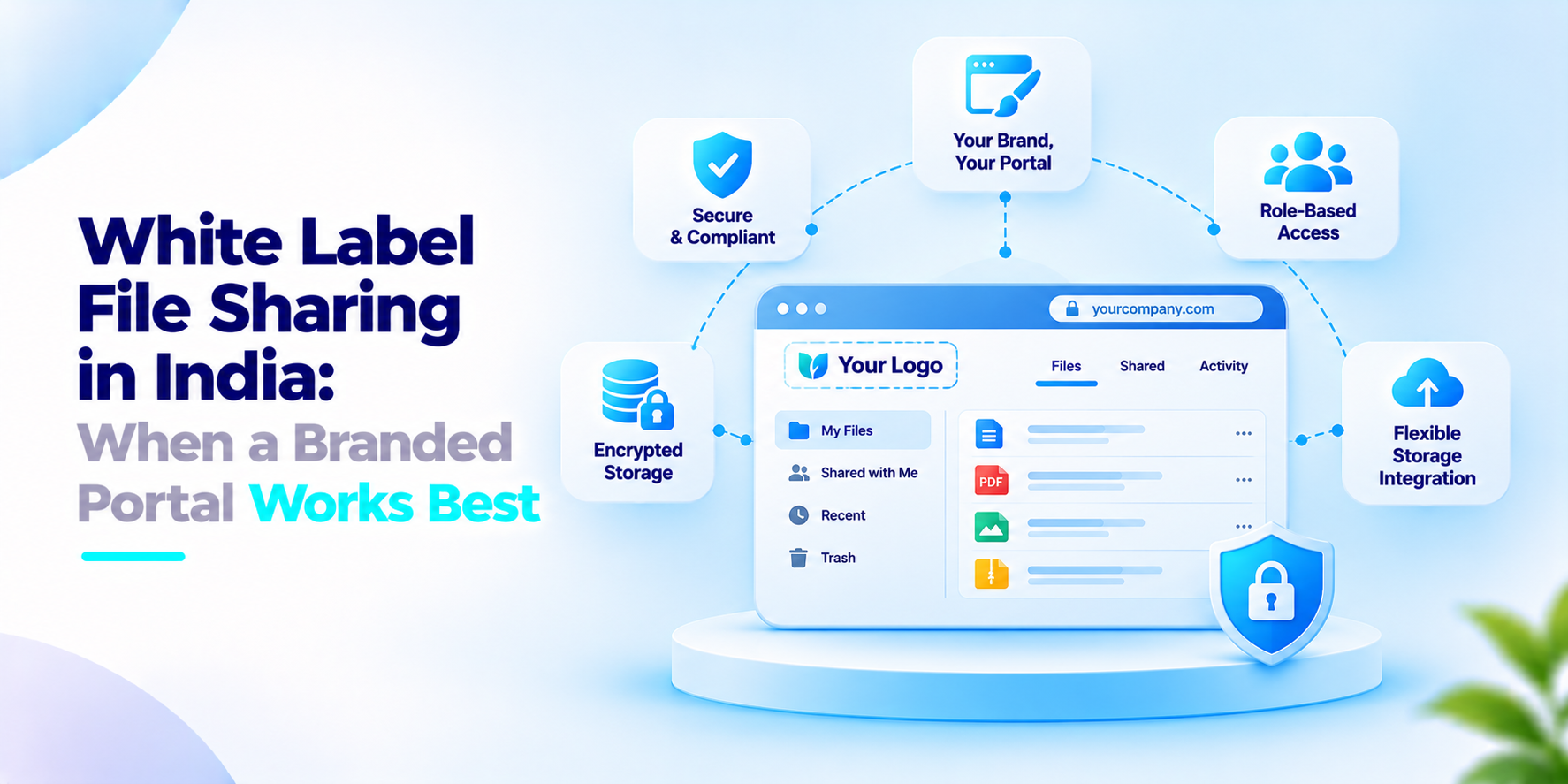
A firm sends contracts, reports or drawings to its clients each week. Email attachments often. A public file‑sharing link shows another person's name. White label file sharing puts the firm's name and style on the portal. This post explains when that works best and what to look out for.
What the Indian rules say
A Bar and Bench article by Hanisha Arora, a partner at Emerge Legal, dated 14 October 2024 explains the roles under India’s Digital Personal Data Protection Act. It says a fiduciary is the party that decides how personal data is handled while processors are parties that act on its behalf under its instructions. It notes that one party can be both in situations. It also lists breach management as a duty of the data protection officer.
Three cautions. The article is an opinion, not the Act or official guidance. It does not cover contracts between fiduciaries and processors or specific security safeguards. And it was written in 2024, before the rules so check the current text with a lawyer.
When white label file sharing fits
This section is our view. A branded portal helps when clients should feel they are dealing with you, not with a tool.
Client delivery. Reports, invoices and signed documents reach clients through a portal that carries your name and domain.
Partner offers. A firm sells storage or sharing as part of its service.
Regulated work. Your firm, not a third‑party brand, remains the named party that controls access.
It fits well for a few one‑off transfers, where a plain link is enough. Branding changes how the portal looks. It does not change who is responsible for the data. If your firm decides how client data is used, it is likely the fiduciary and the platform behind the portal may be a processor. Write down who holds each role and who can see client files.
Also decide who manages client accounts. If an employee leaves, someone must remove that person’s access that day.
What to ask before you adopt white label file sharing
- Can we set our logo, colours and domain across the portal?
- Can we give clients roles, such as view‑only or upload?
- Who can see client files on our side and is every access logged?
- Where is the data stored and who is the processor?
- Is data encrypted in storage and in transit?
- Can we remove a client or an employee’s access quickly?
How We Approach White Label File Sharing
iSyncDrive is our hybrid cloud storage and file‑sync platform. It offers a white‑label interface, role‑based access at User, Admin and Super Admin levels and a central admin dashboard.
Files are protected with AES‑256 encryption. It connects to storage such as S3, Blob and Ceph. We start by agreeing who needs access to what and set the roles.
If your team is considering white label file sharing, we would welcome the conversation.
Frequently asked questions
What is white label file sharing?+
White label file sharing is a solution that allows businesses to provide file-sharing services through an interface customised with their own branding, such as their logo, colours and domain.
When should a business use white label file sharing?+
It is useful when businesses regularly share documents with clients, partners or customers and want a consistent branded experience instead of sending files through generic third-party sharing links.
What is the difference between white label file sharing and regular file sharing?+
Regular file sharing typically uses the provider's interface and branding. White label file sharing allows businesses to customise the client-facing experience while using the underlying file-sharing infrastructure.
Can white label file sharing use a company's own domain?+
Some white-label platforms support custom domains or subdomains. Businesses should verify whether the platform supports domain configuration, SSL certificates and consistent branding across login and file-sharing pages.
Is white label file sharing secure?+
It can be secure when supported by appropriate encryption, authentication, access controls, audit logging, backup procedures and secure configuration. Branding alone does not improve data security.
Give Your Clients a Branded File-Sharing Experience
Share and manage business documents through a branded portal with role-based access, central administration and flexible storage integration using iSyncDrive.