Shadow IT File Sharing in India: Finding Personal Drive Leaks
Employees may use personal cloud drives to share business files when approved tools are inconvenient. Learn how to identify shadow IT file sharing, understand why it happens and introduce secure alternatives.
 By Ankit Rawat·Published: November 19, 2026 at 10:47 PM IST
File sharing can occur via personal devices in addition to personal email or messaging platforms. This is typically not intentional. Individuals have been under time pressure, and simply wanted to quickly share a large file. From an IT perspective, these are files that are not covered by policies, or logging, or retention.
What the India data says
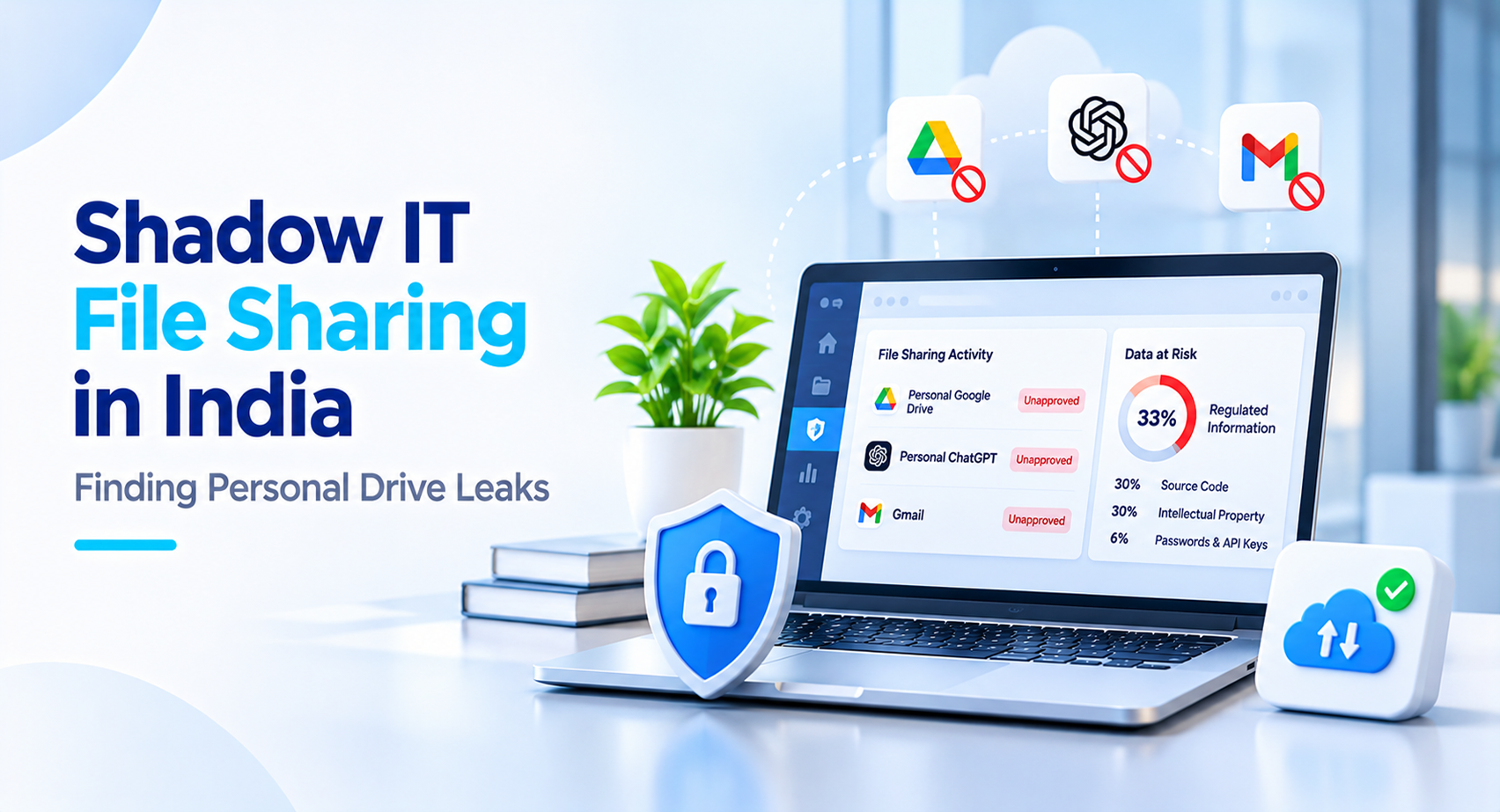
The ‘Threat Labs Report India 2026’ (13 th July 2026) from Netskope Threat Labs outlines that within a sample of customers from India between 1 st April 2025 and 30 th April 2026, 80% of businesses had employees using personal Google Drive. Uploads to personal drives were blocked most often for Personal Google Drive (37%) compared to Personal ChatGPT accounts (33%) and Gmail (30%). Of upload violations to personal cloud storage, 33% of data uploaded was regulated information, 30% was source code, 30% was intellectual property, and 6% was password and API key data.
Considerations
It should be noted that this data comes from a sample of customers for just one vendor. The quantity of businesses, and the quantity of users in this sample is not given. Additionally, it is not given what the percentage of blocks are in comparison to. Finally, firms purchasing this security tool may not be representative of the wider market.
How to find shadow IT file sharing
- Discovery: To manage something, you must be able to see it.
- Check traffic logs: By reviewing logs from firewalls, proxies or security gateways, you can identify what file sharing tools individuals in your organisation are currently using.
- Understand motivations: People are rarely intentionally violating policies. Employees may be uploading files to personal drives as the approved method is too slow, limited in capacity, or does not work well on mobile. To reduce this, ensure that the issues mentioned above are resolved. Otherwise blocking file sharing may just cause employees to change where they do it.
- Provide Approved Alternative: If an alternative method of file storage and sharing is easy to use across all devices, then employees will move away from unapproved methods of file sharing most quickly.
- Create Clear Policies: Outline what data cannot be taken out of the business (such as customer data, source code and contracts), and what should happen if this is done anyway.
- Regular Audits: As new applications will be introduced regularly, perform discovery every quarter.
What to ask before you tackle shadow IT file sharing
What unapproved/personal file sharing tools are currently in use?
What type of data is being uploaded?
Why are people using this method over the approved one?
Who has responsibility of managing file sharing within the business? What rules are in place for external links?
Is it possible to find out what files have been shared by who, with whom and when?
What should be done with files already in personal accounts?
Our Approach iSyncDrive is a hybrid storage & file synchronisation tool. It can be used on Windows, Mac, Linux and Web. It provides AES-256 encryption. It manages roles for Users, Admins and Super Admins, and has a central admin panel. We begin by understanding how your teams share files. We identify what data needs to be more controlled and create an approved method of file sharing to make it more convenient than using personal services.
If your team is experiencing issues with shadow file sharing, we’d be happy to talk to you.
Frequently asked questions
Q1. What is shadow IT file sharing?+
Shadow IT file sharing occurs when employees use personal or unapproved applications, cloud storage accounts or devices to share business files outside the organisation's approved IT systems and policies.
Q2. Why do employees use personal cloud storage for work files?+
Employees may use personal cloud storage because approved file-sharing methods are slow, have limited storage capacity or do not work well across devices. Understanding these reasons helps businesses address the problem rather than simply blocking applications.
Q4. How can businesses identify shadow IT file sharing?+
Businesses can review firewall, proxy and security gateway logs to identify the file-sharing applications employees are using. Regular discovery exercises can help identify newly introduced applications and changes in employee behaviour.
Q5. How can businesses reduce unauthorised file sharing?+
Businesses should understand why employees use unapproved tools, provide an easy-to-use approved alternative, establish clear file-sharing policies and conduct regular audits. The approved solution should work well across the devices employees use.
Need better control over how your teams share files?
iSyncDrive provides a hybrid storage and file synchronisation solution with AES-256 encryption, support for Windows, Mac, Linux and Web, and centralised administration.