TOTP Authentication Explained: How It Works for IT Teams
Understand how TOTP authentication generates temporary login codes, where its security limitations lie, and what IT teams should consider when deploying authenticator-based MFA across an organization.
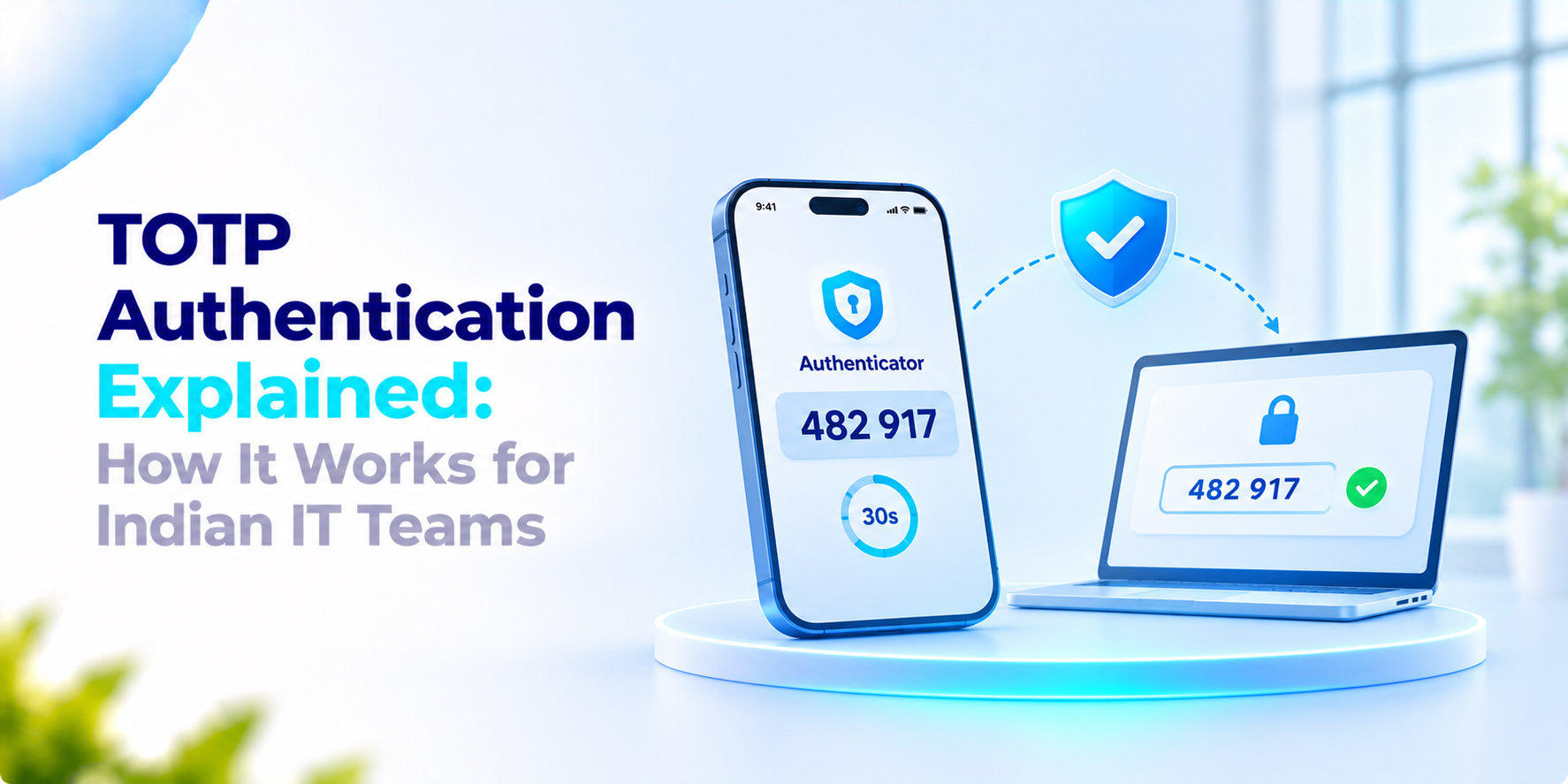
You open any authenticator app, get a code of six digits, and enter that to log in. After 30 seconds, the code expires. This is how TOTP authentication works. This creates an extra security layer to your login. This can work without any internet connection, but there are some points to keep in mind before using it in your organization.
What India’s rules say
On 25 September 2025, the Reserve Bank of India (RBI) issued new rules for authentication in digital payment transactions. These rules were to be followed from 1 April 2026. According to the RBI’s press release, for banks and other issuers, there is no need to stop using SMS-based OTPs. For higher-risk transactions, this also motivates the use of new authentication methods and provides more security checks.
There are some points to remember; these rules focus on card payments. The requirement for cross-border transactions applies to card issuers, not to employee logins within a company. The press release also does not talk specifically about TOTP. This summary is based on the press release instead of the full RBI directions.
How TOTP Authentication works
As per an Authgear developer guide last updated in May 2026. This works in some simple steps:
- Your server and authenticator app share a secret key during the setup.
- Both use the current time to calculate the code.
- It generally creates a new six-digit code every 30 seconds.
- The server checks the code you enter. If it matches, you can log in.
Both of these calculate the codes themselves, so that you do not have to connect to the internet to generate them. The server is also able to accept the code from a nearby time window for small differences in time.
Limits of TOTP Authentication
This section is our view. TOTP adds security but its not perfect. There are four main risks to check.
Phishing. A user can type a code into a fake login page and an attacker can use it inside the same window.
Secret theft. Anyone who obtains the shared secret can generate codes.
Lost devices. A person who loses their phone needs a recovery route that a fraudster cannot abuse.
Clocks. A phone with the time produces codes that TOTP Authentication rejects.
These are not reasons to avoid TOTP Authentication. It is not to be avoided; TOTP Authentication is a reason to plan recovery, protect the secrets and add checks where the risk is higher.
What to ask before you roll out TOTP Authentication
- Where are the shared secrets stored and who can read them?
- How is a lost phone handled and who approves a reset?
- Can we see a log of every login and reset?
- Can we limit logins by location?
- Can one place manage all our applications?
- Is there an option, for high‑risk accounts?
How We Approach TOTP Authentication
Verilock is our enterprise MFA platform. Its TOTP Authentication‑based two‑factor authentication follows RFC 6238 and uses HMAC‑SHA1 with iOS and Android apps. We keep the application and secret‑key management in one place. Record full audit logs. When a code is not enough, TOTP Authentication also supports push approval. Country‑level geo‑fencing.
If your team is planning TOTP Authentication for staff or customers we would welcome the conversation.
Frequently asked questions
What is TOTP authentication?+
Time-Based One-Time Password (TOTP) authentication is a method that generates temporary codes using a shared secret and the current time. A server verifies the submitted code to help confirm a user's identity.
How does TOTP authentication work?+
During setup, an authenticator app and the authentication server receive or establish a shared secret. Both use the secret and a time-based value to calculate a code. The server checks the submitted code against its expected value and may allow a limited time window for clock differences.
Does TOTP authentication work without an internet connection?+
An authenticator app can generally generate TOTP codes offline because code generation depends on the stored secret and the device's clock, not a live internet connection. However, the login service itself must be reachable for online authentication.
Is TOTP authentication secure against phishing?+
TOTP adds a layer of security beyond a password, but it is not fully phishing-resistant. An attacker may capture a code on a fake login page and relay it before it expires. Higher-risk environments may require additional controls or phishing-resistant authentication methods.
What happens if an employee loses their authenticator phone?+
The organization needs a secure recovery process that verifies the employee's identity before resetting or re-enrolling their authenticator. Recovery codes, administrator approval, device revocation, and audit logging may form part of the process, depending on the system.
Strengthen Enterprise Logins with Smarter MFA
Protect access with TOTP-based two-factor authentication, centralized secret management, audit logs, and additional verification options. Explore how Verilock can support your organization's authentication requirements.
Related in Cybersecurity
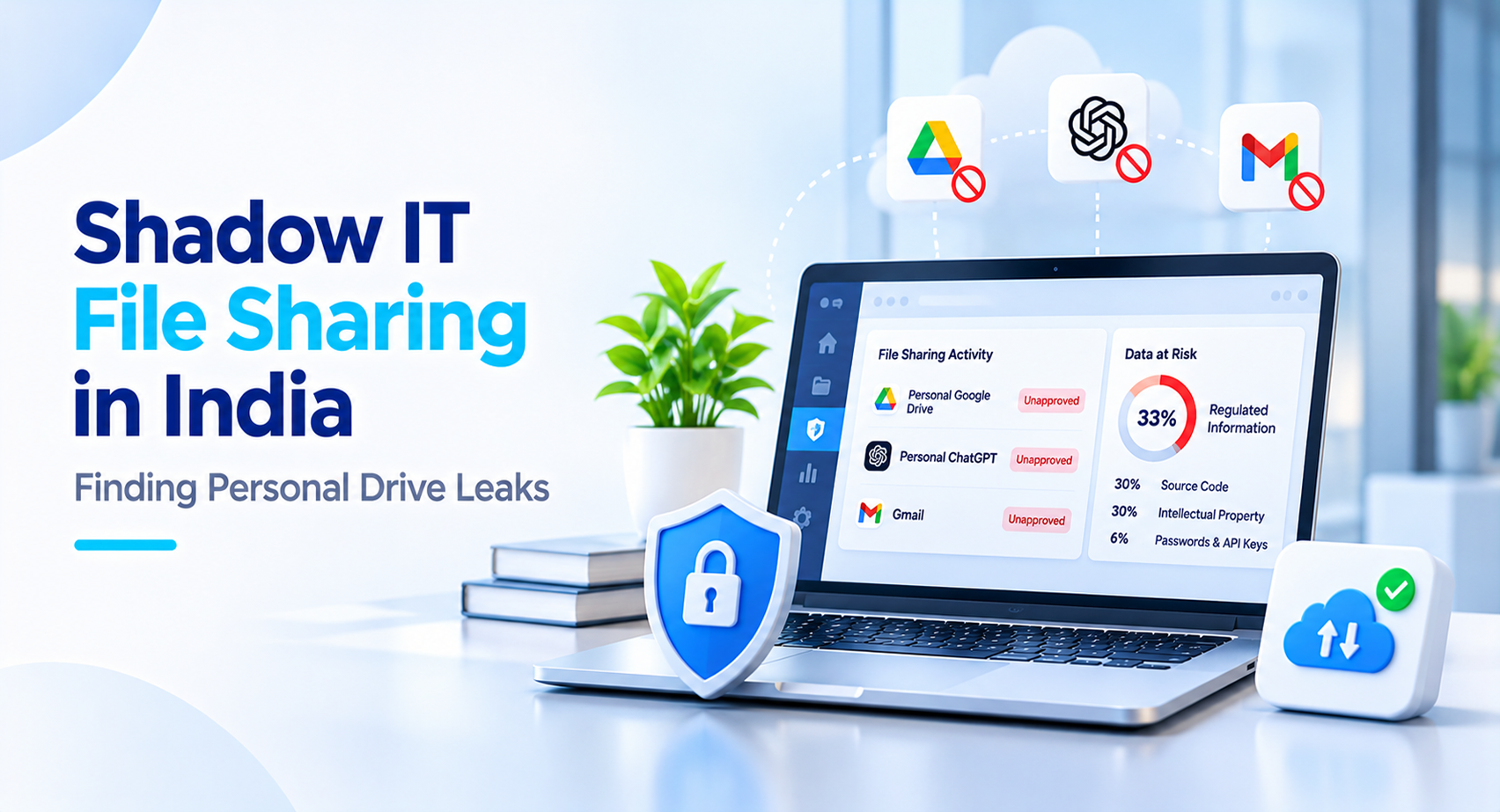
Shadow IT File Sharing in India: Finding Personal Drive Leaks
Employees may use personal cloud drives to share business files when approved tools are inconvenient. Learn how to identify shadow IT file sharing, understand why it happens and introduce secure alternatives.