Incremental vs Full Backup in India: Storage and Recovery Time
Choosing between incremental and full backup affects storage requirements, backup duration, and recovery complexity. Learn how businesses can plan backup schedules, manage versions, and test recovery to protect critical data.
 By Anjali Daksh·Published: October 22, 2026 at 9:23 PM IST
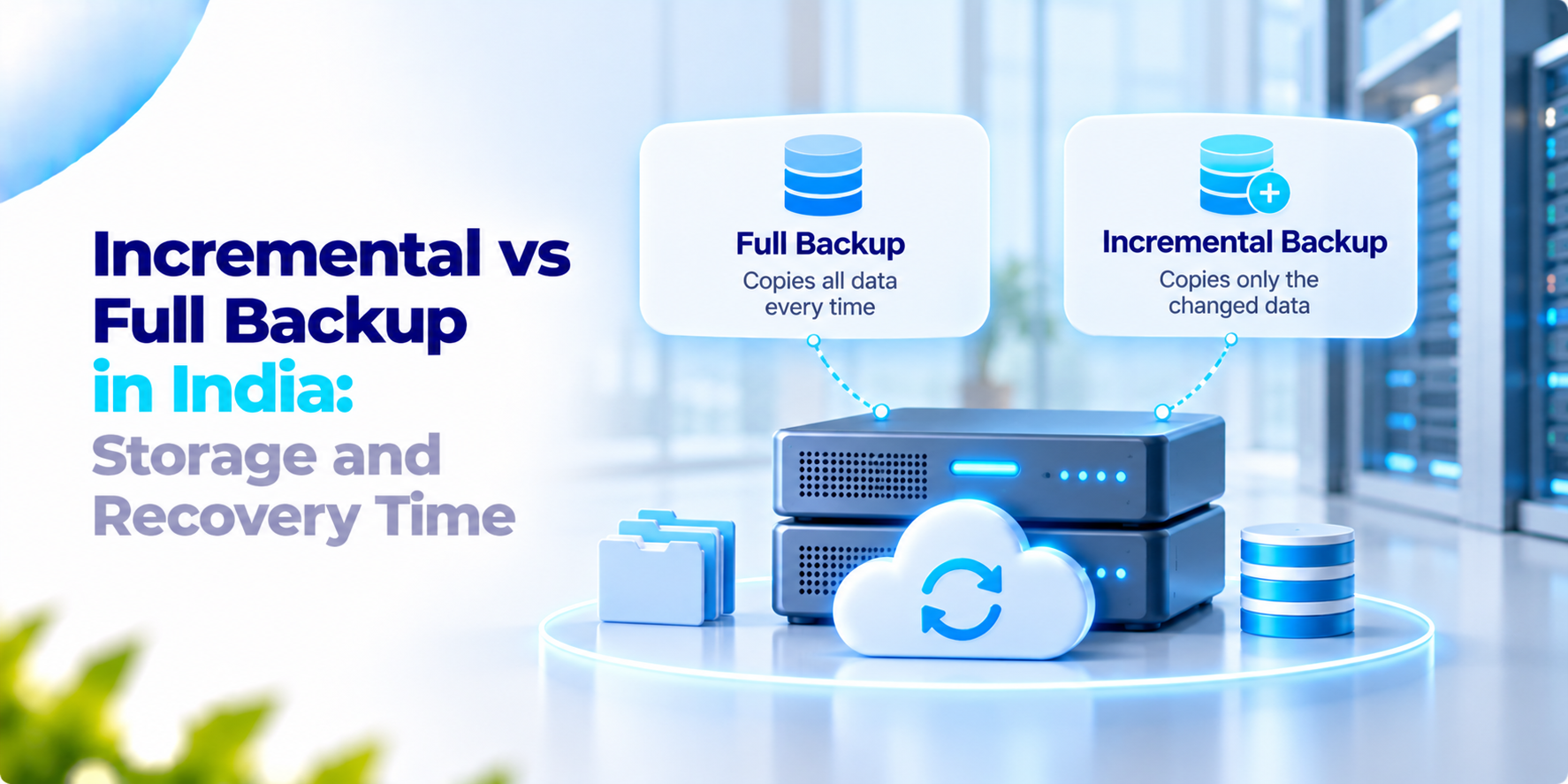
If something goes wrong with any business data, a backup helps to recover. But not all the backups work in the same way. A full backup copies all the selected data every time; this makes it easy to recover, but it needs more space and takes more time to complete. An incremental backup copies only the data that has changed since the last backup, which saves time and storage space but can make recovery more complicated. It depends on how much storage your business has and how much you can lose and how fast you can recover it.
What the India data says
Sophos published its State of Ransomware in India 2026 report in July 2026. It was based on a survey of 240 IT and cybersecurity leaders from Indian organisations with 100 to 5,000 employees that have faced a ransomware attack in last 12 months. According to the report:
- 60% of the attacks resulted in encrypted data.
- 67% of Indian organisations used backups to recover their data, compared with 51% in the 2025 report.
- 58% of organisations recovered their data within a week.
- 10% took between one and six months to recover.
- The average recovery cost was $1.11 million, excluding any ransom payment.
There are some things to remember. All the organisations in the survey had faced a ransomware attack; the results show about the organisation’s recoveries instead of how the attack was. Sophos also sells security products, and the report does not explain the backup methods the organisations used.
This is proof of why having a good backup plan requires. But it does not suggest whether a full backup or an incremental backup is the better choice for your business.
Incremental vs full backup: how they differ
This is our view, both are useful but still both have their benefits and limitations also.
Full Backup
A full backup copies all selected data every time it runs.
Benefits:
- Data is easier to restore because you have a complete copy.
- Recovery is more straightforward.
Limitations:
- It needs more storage space.
- Backups can take longer as your data grows.
Incremental Backup
An incremental backup copies only the data that has changed since the last backup.
Benefits:
- It takes less time.
- It uses less storage space.
- You can run backups more often, reducing how much recent data you may lose.
Limitations:
- Restoring data can take longer.
- You may need the last full backup and all the incremental backups made after it.
- If one part of that backup chain is damaged or missing, recovery may be delayed or fail.
A lot of businesses use both of these methods. They regularly take full backups, like one time in a week and in between incremental backups also. This is helpful in saving storage space while keeping recovery manageable. There are two important steps:
- Keeping one backup copy separate from the systems it protects.
- Test your backups regularly by restoring files or a complete system. A backup is only useful if it works when you need it.
What to ask before you set a backup policy
Ask these questions before choosing a backup method. The answers will help you to choose a backup option that will suit your business.
- How many hours of data can we afford to lose?
- How long can the business wait for data recovery?
- How long should we keep old backup versions, and why?
- Where will we store the second backup copy?
- When did we last test restoring a complete system, not just one file?
How We Approach Incremental vs Full Backup
iSyncLite is our enterprise backup and recovery platform. It is helpful in setting rules for backups according to business needs. The backup can be stored on the company’s server, in the cloud, or in both places. It uses both incremental and versioned backups. This shows that the business can make changes and can revert to an older version of it when needed. This also offers:
- Encryption to protect data while it is being transferred and stored.
- Retention rules to decide how long backups are kept.
- Recovery of individual files or complete data sets.
For incremental vs full backup planning, first we understand about the data loss which your business can afford to lose, with how fast it can recover. This is helpful in planning the backup setup that is a great fit for your needs.
If your team is planning a backup strategy for its servers, we’d be happy to discuss your requirements and help you get started.
Frequently asked questions
What is the difference between incremental backup and full backup?+
A full backup copies all selected data each time it runs. An incremental backup copies only data that has changed since the previous backup. Full backups are generally simpler to restore, while incremental backups can reduce storage requirements and backup time.
Which is better for businesses: full backup or incremental backup?+
Neither method is best for every business. Full backups offer a straightforward recovery point but require more storage and time. Incremental backups can be more efficient, but restoring data may require the last full backup and subsequent incremental backups. The right choice depends on recovery needs, available storage, and business priorities.
Does incremental backup take less storage space?+
Incremental backups usually require less additional storage per backup because they capture only changes since the previous backup. Actual storage requirements depend on how much data changes, how long backups are retained, and how the backup software manages stored versions.
Why can incremental backups take longer to restore?+
A recovery may require the last full backup plus every relevant incremental backup created after it. The software must apply the required backup chain to reconstruct the data. If a required backup is missing or damaged, recovery may be delayed or compromised.
How often should a business perform a full backup?+
There is no universal schedule. Some businesses use weekly full backups and more frequent incremental backups, while others choose a different schedule based on data change rates, retention requirements, available storage, and recovery objectives.
Planning a backup strategy for your business?
Talk to EICE about configuring backup storage, retention, and recovery options with iSyncLite.