Backup vs Sync in India: Why File Sync Is Not Backup
File sync keeps business files accessible across devices, but it does not guarantee recovery after deletion, corruption or ransomware. Learn how backup and sync differ, what to check in your recovery plan, and why many teams need both.
A file deleted on one laptop disappears from every synced device in seconds. That is sync doing its job. It is also the reason many teams learn the hard way that backup vs sync is not just about names. These are two tools for two different problems. A business must know which one it truly needs.
What the India data says
A CXOtoday report from December 20, 2022 shares findings from an IDC study sponsored by Commvault. It says 71% of organizations listed data backup and recovery as their priority for cloud investments. It also says 53% of respondents admitted they paid a ransom and 49% were unable to access their systems or data for days.
Three cautions. The article gives no sample size, method or fieldwork dates. It does not clarify whether the ransom figures apply to all respondents or only to those who were attacked. It also does not say if the data is specific to India. Commvault sells backup products. The report does not mention sync tools at all so it only speaks to the need for backup, not to the comparison between backup and sync.
Backup vs sync: the difference
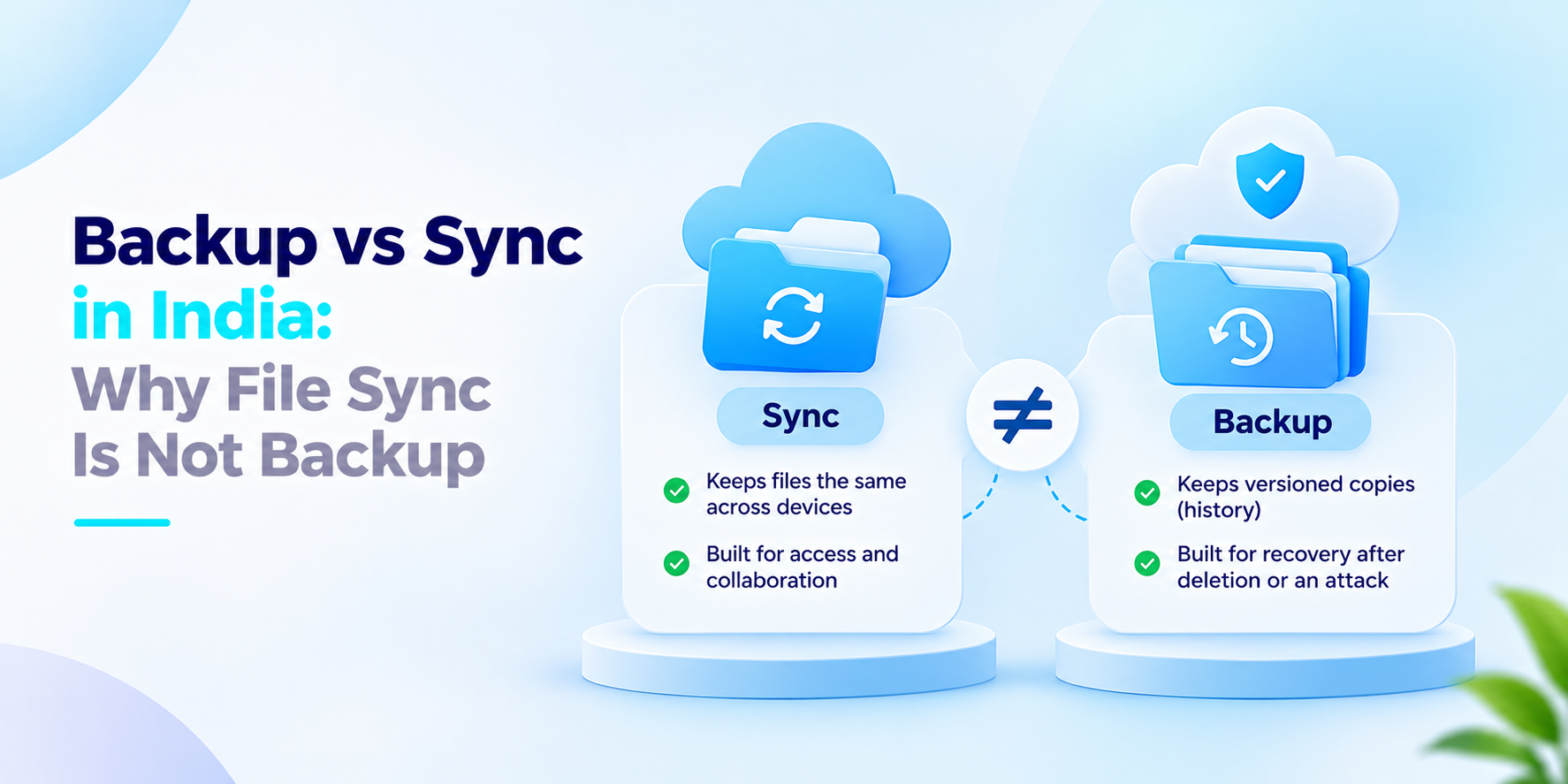
This section reflects our view. Sync keeps files the same across devices. Backup keeps versions that you can return to.
Sync mirrors changes. If a user deletes a folder or ransomware encrypts it, the change spreads to every synced copy. Sync is built for access and collaboration across devices.
Backup keeps history. It saves versioned copies on a schedule. You can restore yesterday’s file or one from a month ago. It is built for recovery after deletion, hardware failure or an attack.
A sync service might keep a recycle bin or version history. That is a convenience with a time limit. Check how long it lasts and who can empty it before you rely on it. Do the same for any tool. Most teams need both: sync for working files and backup for recovery. Backup and file sync together cover access and recovery. Neither can replace the other.
What to ask before you decide on backup vs sync
- Which files do people edit together? Which must be recoverable?
- If a folder is deleted or encrypted, can we restore a version?
- How far back can we restore and who set that limit?
- Is the copy stored apart from the synced one?
- Who can delete backup copies and is it logged?
- When did we last test a restore?
How We Approach Backup vs Sync
We build both sides. ISyncDrive is our hybrid cloud storage and file sync platform. It offers real-time sync, conflict resolution and role-based access. ISyncLite is our backup and recovery platform. It offers automated policy-driven backups, incremental and versioned copies and retention policy management. We start by sorting your data into what needs sharing. What needs recovery.
If your team is weighing backup vs sync, we’d welcome the conversation.
Frequently asked questions
What is the difference between backup and sync?+
Sync keeps files aligned across devices or shared locations so users can access current files. Backup preserves copies for recovery after deletion, corruption, hardware failure or other data-loss events. Sync alone does not guarantee recoverability.
Can file sync replace backup?+
Not reliably. Some sync services provide version history or deleted-file recovery, but those features may have retention limits and different permissions. Businesses should verify recovery options and maintain a suitable independent backup.
Does ransomware affect synced files?+
It can. If encrypted or altered files are synchronised, affected versions may appear on other connected devices. The exact behaviour depends on the service and configuration. Separate, protected backups can provide another recovery option.
Should businesses use both file sync and backup?+
Many businesses benefit from both. Sync supports day-to-day access and collaboration, while backup supports recovery from data loss. The appropriate setup depends on business requirements, data sensitivity and recovery objectives.
What is versioned backup?+
Versioned backup keeps multiple historical copies of a file or dataset. It can help users restore an earlier version when the latest copy is deleted, corrupted or changed incorrectly, provided the required version is still retained.
Keep Files in Sync. Keep Data Recoverable.
Help your teams collaborate with iSyncDrive and protect important business data with iSyncLite. Review your file-sharing and recovery needs to determine how sync and backup can work together.