Causes of Data Loss in India: Deletion, Hardware Failure
Data loss can happen through accidental deletion, hardware failure, ransomware or software errors. Discover the common risks businesses face and learn why versioned backups, isolated copies and regular restore testing matter for reliable data recovery.
 By Ankit Rawat·Published: November 11, 2026 at 12:23 AM IST
A file can disappear after a tidy‑up. A server disk may stop spinning. A laptop might be lost on a train. The causes of data loss are usually ordinary. Most are not attacks. Knowing them tells you what a backup must cover for data loss.
What the India data says
A 2016 survey reported by Business Standard (via IANS), commissioned by EMC and run by Vanson Bourne, covered IT decision‑makers at 2,200 organisations. It reported that 46% of organisations had unplanned downtime or data loss from a security breach, that 54% were not very confident they could fully recover systems or data after a loss and that the average cost of data loss to Indian firms was more than $114,000.
Three cautions. The survey is from 2016. The numbers are dated. EMC sold data protection so it had an interest in the topic. The article does not say how many of the 2,200 respondents were in India and it does not break out deletion or hardware failure so it cannot rank the causes of data loss listed below.
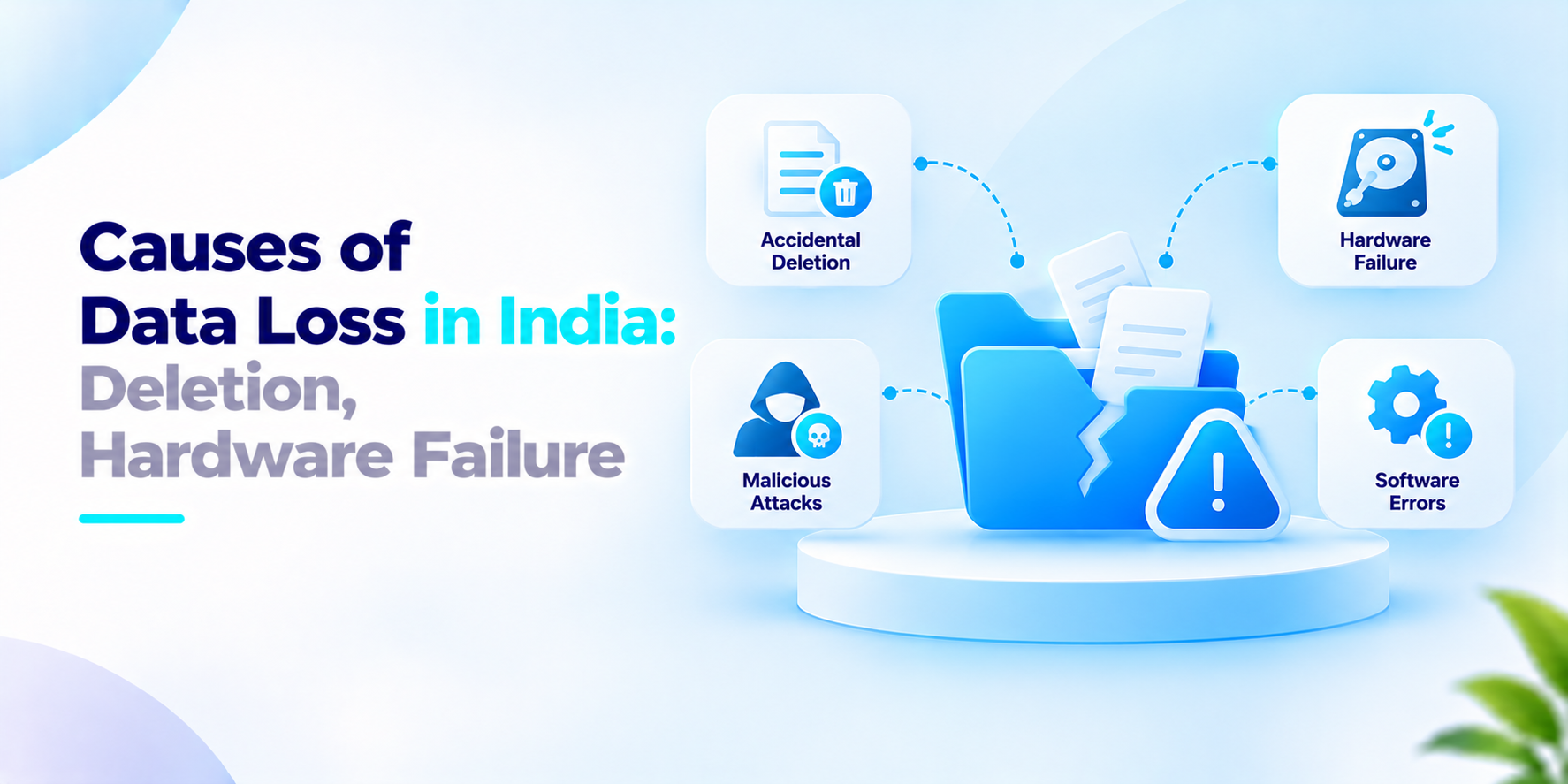
Common causes of data loss
This section is our view. Four causes show up again and again.
Accidental deletion. Someone removes a folder, overwrites a file or empties a bin. The person often notices days later which is why short‑lived copies are not enough.
Hardware failure. Disks, controllers and power supplies fail. A server in a cupboard with no copy is a single point of loss.
Malicious attacks. Ransomware encrypts files and a bad actor or an angry insider may delete them. A backup that an attacker can reach and change gives no protection.
Software. Bad updates. A buggy script or a failed upgrade can corrupt records without any warning.
Sync is not backup. If a deleted file is deleted everywhere at once, the other copies go too. A backup keeps versions apart so you can step back to a time before the mistake.
Each of these is easier to recover from when copies’re versioned, stored apart from the original and tested by actually restoring them. Many teams find, on the bad day that the copy they rely on does not open.
What to ask before you plan for the causes of data loss
- Which of our systems have one copy?
- How far back can we restore a single deleted file?
- Is at least one copy kept somewhere that an attacker or a mistake cannot reach?
- When did we last restore from a backup as a test?
- How long can the business afford to be without this data?
- Who is told when a backup fails?
How We Approach the Causes of Data Loss
iSyncLite is our enterprise backup and recovery platform. It runs automated, policy‑driven backups with versioned copies and end‑to‑end encryption and it is aimed at hardware failure, ransomware and accidental deletion. It deploys on premises in the cloud or as a hybrid with agent-based and retention policy management. It is designed to protect against data loss.
If your team is weighing the causes of data loss, we would welcome the conversation.
Frequently asked questions
What are the common causes of data loss?+
Common causes include accidental deletion, hardware failure, malicious attacks such as ransomware, and software errors that corrupt or damage files.
Can accidental deletion cause permanent data loss?+
Yes. If a file is deleted and no recoverable version or backup exists, it may be permanently lost. Versioned backups can help restore an earlier copy.
How does hardware failure lead to data loss?+
Storage devices, controllers and other hardware components can fail, making stored files inaccessible or corrupt. A separate backup can provide another recovery source.
Can ransomware delete or damage backup files?+
Yes. If backup systems are accessible to an attacker using compromised credentials or systems, backups may also be encrypted, deleted or altered. Isolated or immutable backup copies can reduce this risk.
Is cloud sync the same as backup?+
No. Synchronisation keeps files consistent across locations, so a deletion or unwanted change may propagate to other synced locations. Backup preserves recoverable copies or versions separately, depending on its configuration.
Protect Your Business from Data Loss
Keep important files protected with automated, policy-driven backups, versioned copies and recovery options designed to help your organisation respond to accidental deletion, hardware failure and ransomware.