Monitoring and Help Desk Integration in India: Alerts to Tickets
Monitoring alerts are useful only when the right people act on them. Discover how monitoring and help desk integration can turn important infrastructure alerts into actionable tickets with clear ownership, priority mapping, escalation rules and resolution tracking.
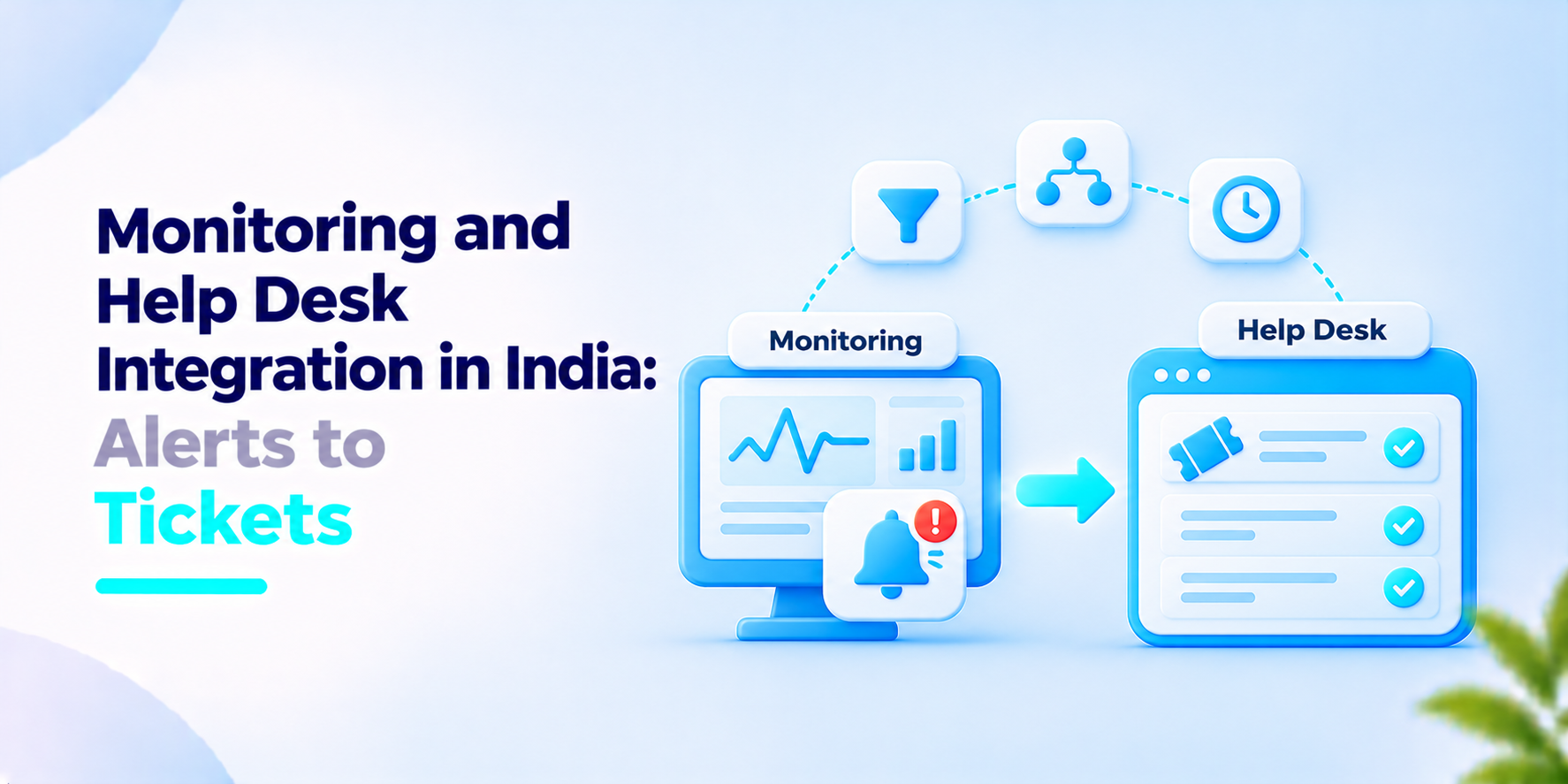
When an alert comes into an inbox, it will be ignored. If you have to type up tickets manually, they will come in late. Integrating your monitoring tool with your help desk means alerts will become tickets with owners and due dates. Let's cover the key areas to decide beforehand.
What the vendor data says
On the 26 May 2026 (modified 16 October 2026), Infraon, a vendor in the IT Service Management space, wrote a blog post about integrating ITSM. It mentions that monitoring tools can automatically create incident tickets when thresholds are breached, with details of the alert, the resource impacted and time. Simple monitoring to ITSM integrations can take between 1-3 days with native connectors; more complex can take 2-6 weeks and enterprise programs can take 1-3 months. They quote a client saying ticket resolution times were reduced by 65%.
As this is a vendor written blog, the 65% is not specific; there's no example or evidence given, and it's not specific to India.
Monitoring and help desk integration: our view
Our aim is to reduce the number of tickets created but make them high quality.
Not every alert should create a ticket. A short peak in CPU that self resolves would be noise. However, if a disk is filling up weekly, there is an issue with an owner. Decide which alerts create tickets and leave others on the dashboard.
Severity should be mapped to priority. Critical alerts on production servers should have the most urgent escalation timer. Warnings on test machines shouldn't.
Duplicates should be grouped together. If a switch fails, 50 alerts will come in; this should be 1 ticket with 50 events.
Ensure that when the alert has been resolved, it shows in the ticket. A good incident ticketing system will show who and when the issue was resolved. Ensure your ITSM integration is bi-directional so the ticket status is shown to those watching the monitor.
What to ask before you build monitoring and help desk integration
- Which alerts create tickets and who decided?
- How are duplicates/flapping alerts grouped?
- Who are the owners of the tickets? How are they handled at night?
- Is severity mapped to an automatic escalation time?
- What happens to the ticket when the alert is resolved?
- Can we report on how long it takes to create a ticket from an alert?
How We Approach Monitoring and Help Desk Integration
We have an agentless Infrastructure Observability Platform called InfraSight, which escalates alerts in stages via email, Slack, Teams, Telegram, PagerDuty, and webhooks. We have an ITIL 4 aligned help desk tool called EiceOps. Each ticket has 3 active SLA timers and tracks L1, L2 and L3 handoffs. We begin with the alerts that need an owner and work with you to decide how each one will get to the help desk.
If your team is looking to integrate your monitoring and help desk, we would love to chat.
Frequently asked questions
What is monitoring and help desk integration?+
It connects infrastructure monitoring tools with a help desk or ITSM platform so that selected alerts can create or update incident tickets automatically.
Should every monitoring alert create a ticket?+
No. Ticket creation should depend on severity, duration, business impact, recurrence and whether an incident is already open. Low-impact or short-lived alerts may be better handled through dashboards or notifications.
How does alert deduplication work?+
Deduplication identifies repeated instances of the same alert and prevents unnecessary ticket creation. Related alerts can also be correlated when they may share a common underlying cause.
What is the difference between alert severity and ticket priority?+
Alert severity describes the technical condition, while ticket priority considers urgency and business impact. A critical alert on a production service may need a higher priority than the same alert on a test system.
What is bi-directional monitoring and ITSM integration?+
It allows supported updates to flow between monitoring and ticketing systems. For example, a monitoring alert can create a ticket, while ticket acknowledgement or resolution can update the related monitoring workflow. The exact behaviour depends on the integration.
Turn Infrastructure Alerts into Actionable Tickets
Connect monitoring and help desk workflows to improve alert ownership, ticket prioritisation and SLA visibility. Give your IT team a clearer path from issue detection to resolution.