First Response, Fix Deadline, Update: 3 SLA Clocks in India
A first response is only one part of effective service-level management. Learn how three SLA clocks—first response, resolution deadline and requester updates—help IT support teams track accountability, handle pauses transparently and identify missed service targets.
A ticket is raised at ten a.m. At four p.m. The requester still has no reply. The team says it is working on it. A response time SLA exists to stop that silence but one number rarely covers everything a requester care about.
What the India data says
Freshworks Customer Service Benchmarking Report, the 2023 edition analysed anonymised usage of its own products for January to December 2022. It reports a first response time on tickets of 6 hours 47 minutes overall and 6 hours 59 minutes for India. The report says it covers 5.3 billion tickets and 260.1 million conversations across 25 industries and 25 countries.
Three cautions.
The data comes only from Freshworks customers, so it reflects one vendor's user base. The report gives medians for support in general, not for IT help desks. The India chat value was hard to read in the report's country table so we left it out. The report shows no exact publication date.
Why one first response time SLA is not enough
This section is our view. A response time SLA measures the first reply. A reply of 'received' can meet it. Still leaves the requester stuck.
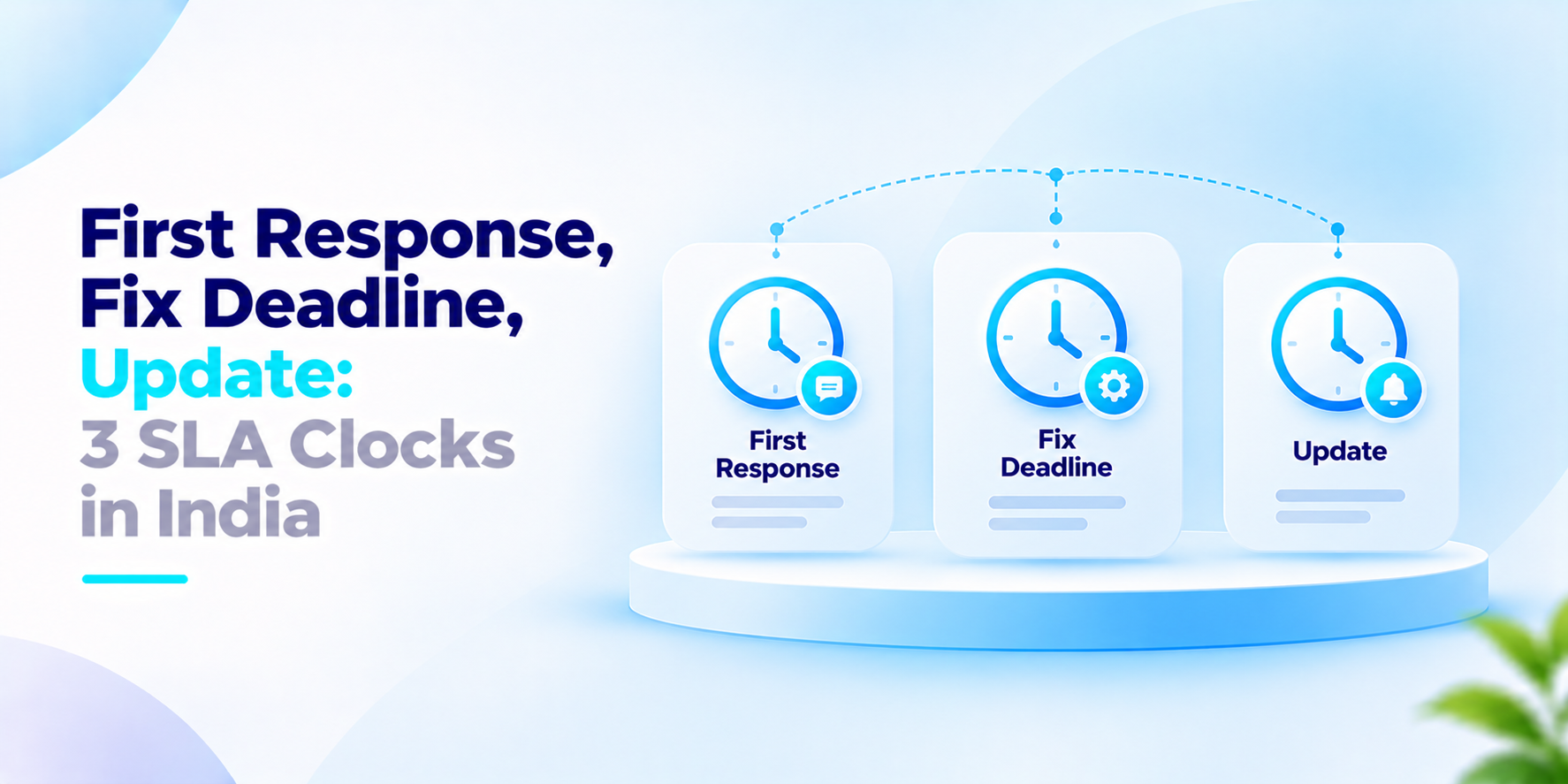
We find three clocks easier to reason about. First reply: how soon a person acknowledges the ticket and says what happens next. Fix deadline: how long until the problem is resolved or a workaround is in place. Reporter update: how often the requester hears back while work continues.
Each clock fails differently. A team can reply quickly. Fix slowly. It can fix on time. Never tell the requester. Tracking the clocks separately shows which one is breaking.
Pauses need care. If a ticket waits on the requester, the fix clock should pause. The pause should be recorded with a reason or the clock becomes a place to hide late tickets.
Report each clock on its own by priority and by team. One blended average can look healthy while the slowest tickets wait for days.
What to ask before you set a response time SLA
- Does the target differ by priority or is every ticket treated alike?
- Are business hours and holidays counted and whose calendar applies?
- Does an automatic acknowledgement count as the reply?
- Who is alerted when a clock is about to run out?
- Can the clock. Is each pause logged with a reason?
- Do we report misses by team and tier, not as one average?
How We Approach First Response Time SLA
EiceOps is our ITIL 4-aligned help desk. There are three live SLA clocks running for every ticket: first reply, fix deadline and reporter update. When an SLA is paused, it sends an escalation alert and always keeps an audit trail. We start by talking to your team and after this, we make the rules to match your support process.
If your team is tightening a response time SLA, we welcome the conversation.
Frequently asked questions
What is a response time SLA?+
A response time service-level agreement (SLA) defines how quickly a support team must respond to a ticket. The target can vary by priority, support channel, operating hours and the agreement with the requester.
What is the difference between first response time and resolution time?+
First response time measures the time until the support team sends its first response. Resolution time measures how long it takes to resolve the issue. A fast acknowledgement does not necessarily mean the underlying problem has been fixed.
What are the three SLA clocks described in this article?+
The three clocks are first response, resolution deadline and requester update. Together, they track acknowledgement, progress towards a fix and communication while work continues.
Should an automated acknowledgement count as the first response?+
That depends on the organisation's SLA policy. If the goal is to measure meaningful support engagement, an automated receipt confirmation should be reported separately from a human response or substantive troubleshooting update.
Should SLA timers pause when a ticket is waiting for the requester?+
A documented policy may allow a resolution timer to pause when the team genuinely needs information or action from the requester. The reason, start time and resume time should be recorded, and pause rules should be applied consistently.
Make Every SLA Clock Accountable
Give your support team clear first-response targets, resolution deadlines and requester-update rules—with transparent pauses, escalation paths and measurable performance reporting.