Performance Testing: Finding Limits Before Users Do (India)
Performance testing helps businesses identify bottlenecks before peak traffic affects users. Learn how load, stress and soak testing reveal response-time issues, capacity limits and long-running stability problems before major releases or demand spikes.
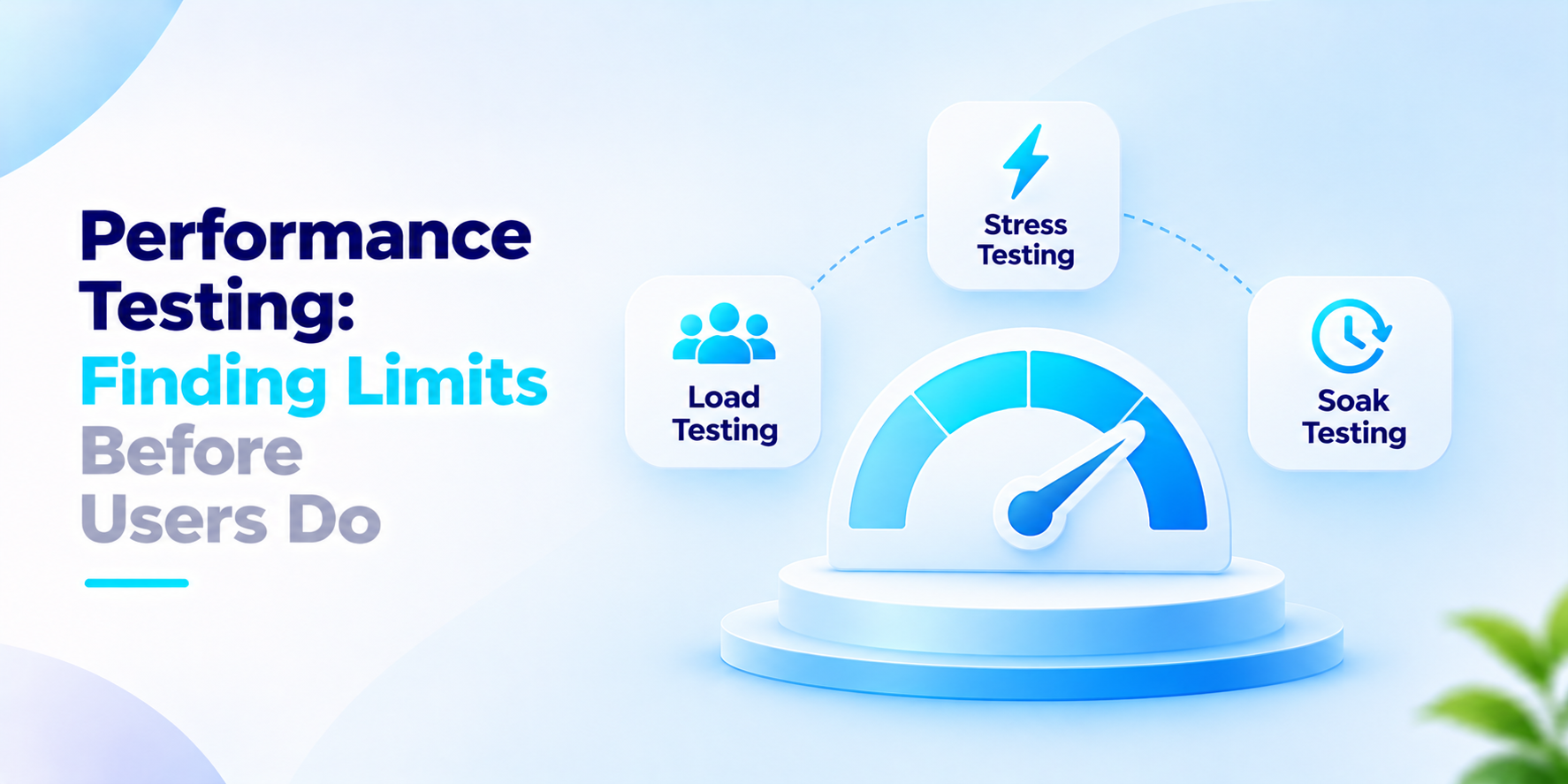
Most applications work with ten users. The trouble comes on a sale day, a salary day. A tax deadline, when thousands come all at once. Performance testing finds the point where speed slows down or the system crashes, so you find out in a test and not from customers.
What the India data says
New Relic's "State of E-commerce India" study was done by YouGov India in June 2023 as reported by Outlook Startup. It had 2,008 respondents online. It says 60 per cent would leave an app that buffers for more than 10 seconds and 20 per cent would not accept more than 5 seconds. It also says slow loading is a problem for 38 per cent.
Three cautions. New Relic sells monitoring tools. Paid for the survey. The article does not give its publication date, the basis for each number or the exact question wording. The study looks at shoppers using apps so it does not talk about your internal systems or business-to-business users.
Load, stress and soak: what each test answers
This section is our view. The names are used loosely so agree on what each one means before you buy.
Load testing. Does the system work at the traffic you expect on a day? Measure response. Error rate at that level.
Stress testing. What happens when the traffic goes beyond that level? Push until something breaks and note what breaks first and how it recovers.
Soak testing. Run traffic for hours. Slow memory leaks and full disks show up here.
Whatever performance testing you run is only useful if the scenario matches use. Base it on the mix of actions in your logs, such as logins, searches and payments, not a single page hit again and again. Test on an environment to production and set targets first for example a response time at a stated number of users. Repeat the test after updates and after changes to the infrastructure. A result from a year ago says little about today's code.
Report results in words. Say how the system handled users, at what response time and what failed first so people without technical knowledge can understand the finding and decide what to fix.
What to ask before you commission performance testing
- What traffic do we expect on our day and how do we know?
- What response time and error rate count as a success?
- Does the test environment match production?
- Which user journeys will be tested?
- How will we find the cause of a result?
- Who re-runs the test after each release?
How We Approach Performance Testing
We start from your day and agree on success targets before any test runs. We then test the journeys that're most important, to your users and report where the system slows, in enough detail for your developers to take action.
If your team is planning performance testing, we would like to have the conversation.
Frequently asked questions
What is performance testing?+
Performance testing evaluates how an application behaves under defined workloads. It helps teams assess response times, throughput, error rates, resource usage and stability before real users encounter problems.
What is the difference between load testing and stress testing?+
Load testing evaluates performance under expected or specified workloads. Stress testing pushes the system beyond its expected capacity to reveal failure points, bottlenecks and recovery behaviour.
What is soak testing?+
Soak testing runs a sustained workload over an extended period. It can reveal issues such as memory leaks, resource exhaustion and performance degradation that shorter tests may miss.
When should a business conduct performance testing?+
It is useful before major releases, expected traffic spikes, large campaigns and infrastructure changes. Teams should also repeat relevant tests when application architecture, code or usage patterns change significantly.
What metrics should performance testing measure?+
Common metrics include response time, throughput, error rate, concurrent users, CPU and memory utilisation, and database performance. Percentile response times, such as p95, can help reveal slow experiences hidden by averages.
Find Performance Bottlenecks Before Launch
Test critical user journeys against realistic traffic scenarios, identify where response times degrade and give your developers actionable findings before peak demand hits.