Web App vs Website in India: What Each One Is Built to Do
Choosing between a website and a web app in India affects project scope, development complexity and ongoing maintenance. Learn how logins, dashboards, data handling and integrations can help you decide which solution your business actually needs.
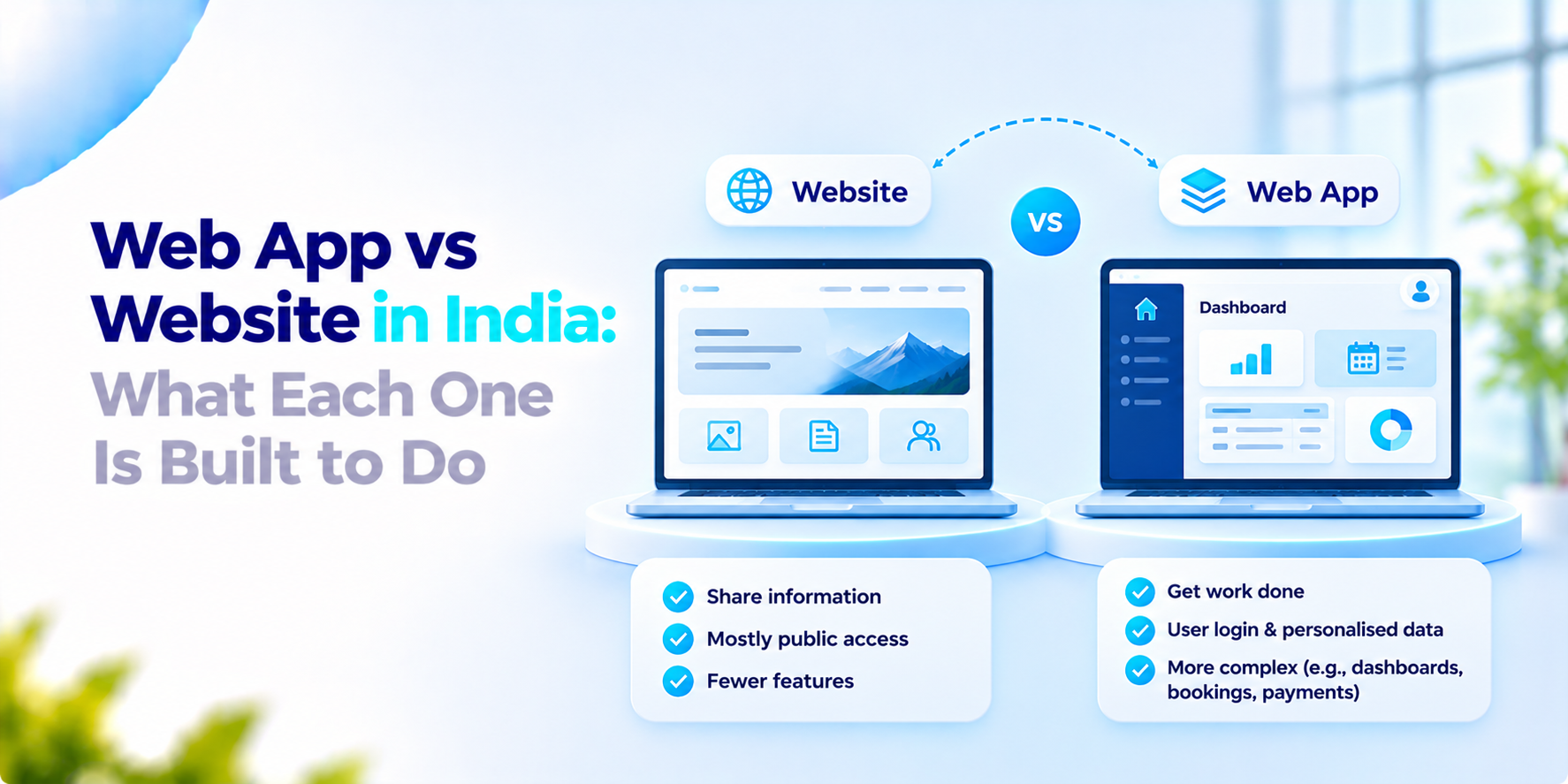
A founder asks for "a website". The brief lists logins, dashboards and payments. Someone else asks for a web app. Needs four pages and a contact form. The web app vs website question decides cost, team size and timeline. It is worth settling before anyone writes a line of code.
What the India rules say
The Guidelines for Indian Government Websites in their GIGW 3.0 version apply to "Indian Government websites and Applications" at all levels. The guidelines page states that all websites and apps owned by government organisations must comply and recommends that browser-based intranet applications follow them too.
There are three things to remember. First, the page does not explain the website and web application or the difference between them. Second, it has no publication date. Third, these rules only apply to government organisations, not private companies. We explained these guidelines because it shows that both, the website and the applications should meet to standards like accessibility under government rules, but it will not tell you about the right option that will suit your business.
Web app vs website: our view
This section is our view. The difference is mostly about what the visitor does.
A website is mainly for reading. It presents information: who you are, what you offer, and how to reach you. Content changes now. Then and most visitors do not sign in.
A web application is mainly for doing. Users log in enter data and see results that depend on who they're what they did earlier. Think booking systems, dashboards, order portals and internal tools.
Many products sit in between. A marketing site with a customer login is a website with an app attached. Do not worry about the label. Ask what the user must be able to do.
The choice changes the work. An app needs user accounts, a database, permissions, testing of every workflow and a plan for security updates. A site needs content, speed and search visibility. Starting with a website and adding app features later is often sensible if you are unsure what users need. Starting with an app when four pages would do adds cost and upkeep for no gain.
What to ask before you decide on web app vs website
- Will users sign in? Will they see different data from each other?
- Do they change information or only read it?
- Does the page need to connect to systems, such as payments or a CRM?
- Who will maintain it? How often will it change?
- What happens to the business if it is down for an hour?
- Could a simple site validate the idea first?
How We Approach Web App vs Website Decisions
Our App development service includes web app development using React and Next.js. We use cloud native infrastructure and focus on OWASP security practices. We work in two-week agile sprints. First, we list what the user needs to do and then we suggest the solution that works best for your needs. If your team is deciding between a website or a web app. We’d welcome the conversation.
Frequently asked questions
What is the difference between a website and a web app?+
A website primarily presents information for visitors to read or explore. A web app lets users perform tasks, such as managing data, booking services, accessing personalised dashboards or processing transactions. Some digital products combine both.
Is a website cheaper to build than a web app?+
A simple informational website is often less complex and less expensive to build than a web app with accounts, permissions, databases and business workflows. Actual cost depends on the requirements, integrations, design and ongoing maintenance.
Can a website have login and payment features?+
Yes. Websites can include login systems, payments and other interactive features. Once functionality becomes more extensive, the product may be better described as a web application. The label matters less than the actual requirements.
Should a startup build a website or a web app first?+
A startup validating demand may begin with a simple website or landing page. If the core value depends on personalised data, user accounts or interactive workflows, a web app may be necessary from the start.
Can a website be turned into a web app later?+
Yes, but the amount of work depends on the existing architecture and the new features. Adding a login form may be straightforward; introducing complex permissions, data models and workflows may require substantial development.
Build the Right Digital Product for Your Business
Not sure whether your idea needs a website or a web application? We’ll help you define user needs, assess functionality and choose an approach that fits your business goals.