MFA Solution for Enterprises in India: Buyer’s Guide
Learn how to evaluate an MFA solution for enterprises in India by comparing authentication methods, geo-fencing, app compatibility, login records, and Verilock's security features.
 By Anjali Daksh·Published: October 14, 2026 at 11:35 PM IST
A password is not enough for protecting an account. If it gets stolen, they may be able to log in. Multi-factor authentication (MFA) adds another step, such as entering a code or approving a login on your phone. Choosing an MFA Solution for Enterprises means checking the login method it supports, how it controls access, and if it keeps any record of login activity. Here is something that Indian regulations say and what you should check before choosing a platform.
What the RBI Directions Say About Authentication
According to a Reserve Bank of India press release dated 25 September 2025, the Authentication Mechanisms for Digital Payment Transactions Directions, 2025 take effect from 1 April 2026. According to this, card issuers should check an additional authentication factor for international card payments when the overseas merchant or payment processor requests it.
There are some points to remember. These rules are for card issuers and digital payments, not for all employee logins. The press release also does not list all the methods of authentication. We mention these rules to show that having different ways to verify users can be useful. Check with your adviser to understand which rules apply to your business.
What an MFA Solution for Enterprises Should Do
A good MFA solution should have these four things:
Different login methods. Users should be able to enter a changing code or approve a login on their phone.
Location controls. You should be able to block logins from countries where your business does not operate.
Support for your apps. The solution should work with the applications your team uses.
Login records. It should keep records of login attempts, so your team can check unusual activity.
Test the solution with some people before giving access to all. This includes people who travel and old phone users. This will help you find problems easily and fast.
What to Ask Before Choosing an MFA Solution for Enterprises
Ask these questions before choosing a platform. These can help you with a solution that would be a fit for your business.
- Does it support codes and phone approvals?
- Can we block logins from certain countries?
- How are login keys created and stored?
- What happens if someone loses their phone?
- Which apps can we connect?
- Is it easy to add new users?
- What login details are saved in the records?
How We Approach MFA Solution for Enterprises
Verilock is our multi-factor authentication platform. It provides two ways to approve logins.
- Login code: users enter a six-digit code that changes every 30 seconds. Verilock uses TOTP-based two-factor authentication, following RFC 6238.
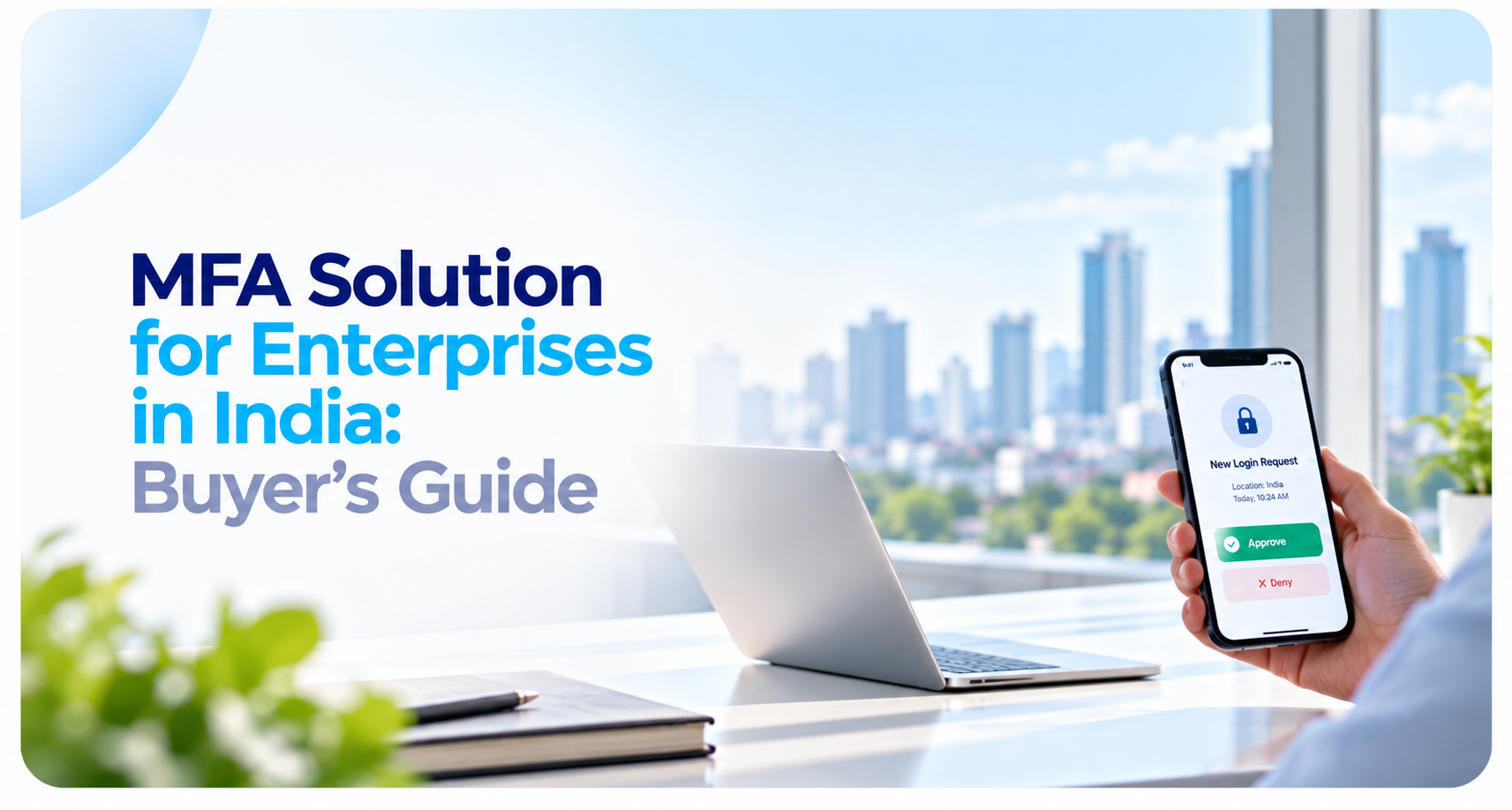
- Phone approvals: users get a notification of the login location and time. They can approve or deny it. These responses are digitally signed using FCM and APNs.
Verilock can also block logins based on countries. These settings can be turned on separately for every registered app. It records every login event and supports web applications, as well as mobile apps for iOS and Android. Users are able to set up their accounts by scanning a QR code or by using the authentication key. The administrator can provide the setup details if needed. If your business is looking for an MFA Solution for Enterprises, we’d be happy to discuss
Frequently asked questions
What is multi-factor authentication (MFA)?+
Multi-factor authentication adds another verification step to a login, such as entering a time-based code or approving a login request on a phone.
What should an enterprise MFA solution include?+
Businesses should evaluate supported login methods, application compatibility, location-based access controls, authentication records, user onboarding, and account-recovery procedures.
What is TOTP-based authentication?+
Time-based One-Time Password (TOTP) authentication generates temporary codes that change at regular intervals. The article describes Verilock's six-digit codes as refreshing every 30 seconds.
What is geo-fencing in enterprise authentication?+
Geo-fencing lets an organisation restrict authentication attempts based on location rules, such as blocking logins from countries where the business does not operate.
What is Verilock?+
Verilock is EICE Technology's multi-factor authentication platform. According to the article, it supports TOTP codes, phone-based login approvals, country-level login restrictions, and authentication-event records.
Request a Verilock Demo
Looking to strengthen application login security? Explore Verilock for TOTP codes, phone-based login approvals, country-level access controls, and authentication activity records.