Enterprise Backup Solution India: iSyncLite vs DIY Scripts
Compare DIY backup scripts with an enterprise backup solution in India. Learn how iSyncLite supports automated backups, file versioning, encrypted storage, retention policies, and data recovery.
 By Anjali Daksh·Published: October 14, 2026 at 11:35 PM IST
A lot of teams start backing up files with a simple script. At a set time, this copies files to another location. This may work in the beginning, but the process can have problems later if the backup fails without being noticed, the person who manages it leaves, and they need an older version of the file.
Choosing the enterprise backup solution in India means making sure your data is backed up and easy to restore when it is needed. Let's have a look at the breaches in India and how a backup script compares with a dedicated platform.
What a Data Breach Costs in India
According to IBM's Cost of a Data Breach Report 2025, published by IBM India. In India, the average cost of a data breach was ₹220 million in 2025. It was almost 13% higher than the previous year, which was ₹195 million. According to the same report, it took an average of 263 days to identify and contain a breach and restore services. Very common starting points were:
- Phishing: 18%
- Third-party and supply chain attacks: 17%
- Exploitation of security weaknesses: 13%
There are some points to keep in mind. Reports do not say anything about ransomware or backups, so these numbers show data breaches instead of backup prevention. This also does not have an India-specific sample size. And average costs can vary widely between businesses.
Scripts vs. an Enterprise Backup Solution in India: Teams Choose
This is our view: a script can be a good option to start with a server, but as the business grows, managing backups can be difficult.
- Knowing that backups worked. A script can fail without getting noticed. A backup platform should give a report so that the team can check everything completely.
- Keeping older versions. Businesses may need to recover an earlier version of a file. The system should maintain file versions of files and backup retention automatically.
- Restoring data quickly. Without depending on the person who wrote the script, you should be able to recover a single file or a set of data.
- Protecting backup data. Backup copies should remain encrypted, and they should have proper security controls as well as they contain important business information.
This does not say that scripts are always a bad choice; if someone is able to maintain it, a script can be enough for one small system. A platform can become very useful when you have multiple systems, there are more people who depend on your data, or some frequent requests to recover older files.
What to Ask Before Choosing an Enterprise Backup Solution in India Offers
Ask these questions before choosing a backup platform. These will help you find a solution that will be a great fit for your business.
- Can backups run automatically on a schedule?
- Can it keep older file versions and apply retention rules?
- Can we restore one file or an entire set of data?
- Is our data encrypted while being transferred and stored?
- Can it run on our own servers, in the cloud, or both?
- Does it provide backup reports and activity records?
How We Approach Enterprise Backup Solution India
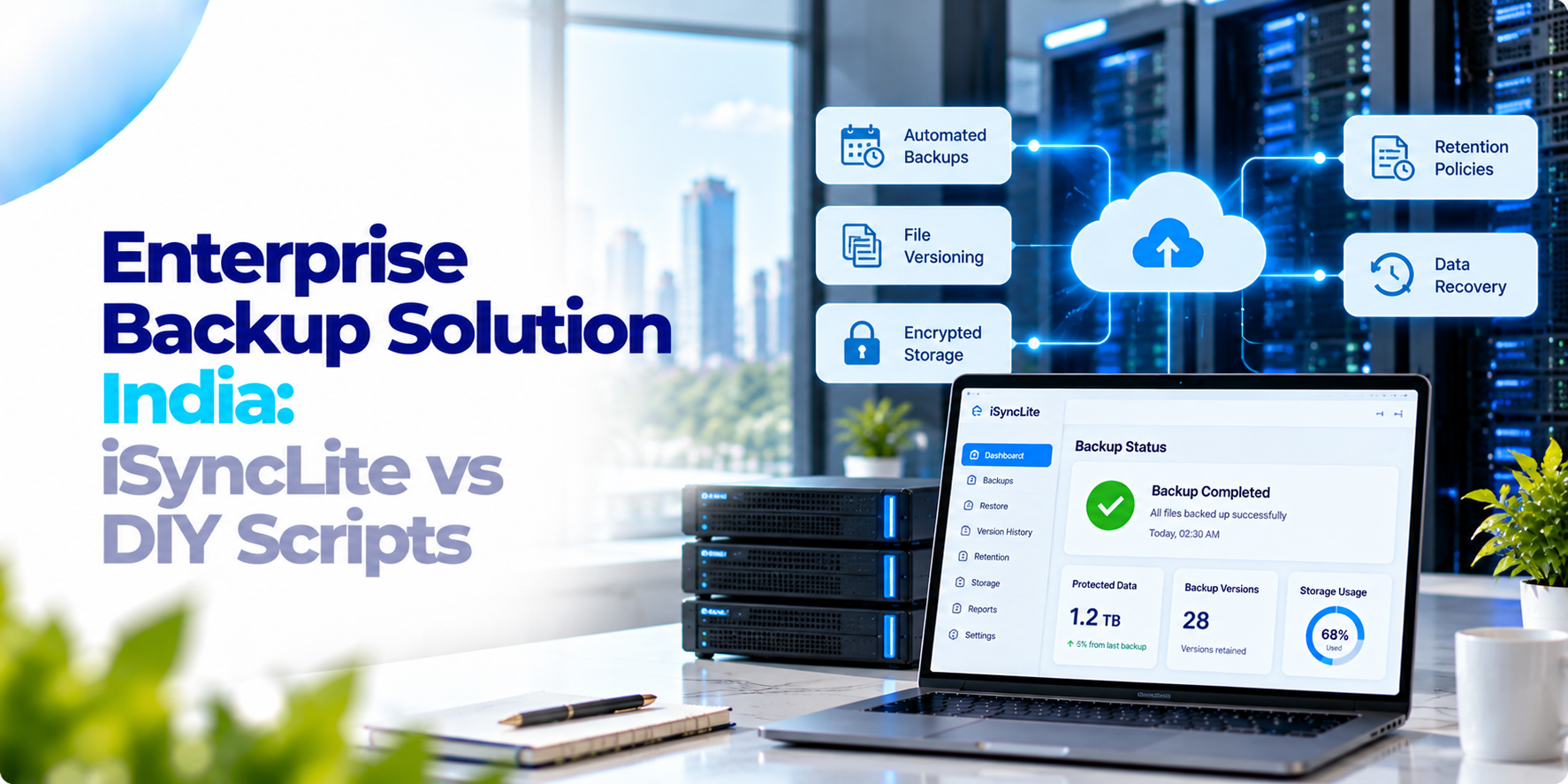
iSyncLite is our backup and recovery platform. This helps automate backups based on set policies. It can run on your own servers, in the cloud, or in a hybrid setup. This uses incremental backups; this helps save the changes since an earlier backup, helping reduce storage use. It has multiple file versions, so you can recover any older copy if needed.
iSyncLite encrypts data during the transfer and when it is stored. It automatically applies retention rules for the organisation’s compliance and data management if needed. You can restore individual items as well as complete data sets. If you are looking for an Enterprise Backup Solution in India. We’d be happy to connect.
Frequently asked questions
What is an enterprise backup solution?+
An enterprise backup solution helps businesses manage data backups and recovery through capabilities such as automated backup policies, file versioning, retention rules, and restoration tools.
Are DIY backup scripts enough for a business?+
A script may be sufficient for a small system when someone can maintain and monitor it. As systems and recovery requirements grow, managing backup failures, older versions, and restoration can become more difficult.
What should businesses look for in backup software?+
Important considerations include scheduled backups, backup reports, file versioning, retention policies, encryption, flexible deployment, and the ability to restore individual files or complete data sets.
What are incremental backups?+
Incremental backups save changes made since an earlier backup, which can help reduce storage use. Actual storage savings depend on the data and backup configuration.
What is iSyncLite?+
iSyncLite is the backup and recovery platform described in this article. Its listed capabilities include policy-based backups, incremental backups, file versioning, encryption, retention rules, and restoration of individual items or complete data sets.
Discuss Your Backup Requirements
Looking for a more reliable way to manage business backups? Explore iSyncLite for automated backups, file versioning, encryption, retention policies, and flexible data recovery.